Shared elements
Connect views with group classes and native matched geometry.
Define a group
Declare a parent group and pair its children with shared element classes.
The group owns a persistent native namespace. State stays in SwiftUI.
Pass value: to animate the subtree when that value changes.
struct HeroCard: View {
    @State private var expanded = false

    private var cover: some View {
        RoundedRectangle(cornerRadius: 16)
            .fill(.indigo)
    }

    var body: some View {
        VStack {
            ZStack {
                if expanded {
                    cover.tw("shared-[cover] w-80 h-50")
                } else {
                    cover.tw("shared-[cover] w-20 h-20")
                }
            }
            Button("Toggle") { expanded.toggle() }
                .buttonStyle(.tw("button-primary"))
        }
        .tw("group/hero animate-smooth duration-400", value: expanded)
    }
}
The classes use native matched geometry.
Group and shared classes
| Class | Meaning |
|---|---|
group, group/hero | Declare a local group; an optional name selects that ancestor |
shared-[cover] | Match this ID within the nearest group |
shared-[cover]/hero | Match this ID within the nearest ancestor named hero |
shared-frame, shared-position, shared-size | Select the matched properties; frame is the default |
shared-source, shared-follower | Select the source or follower; source is the default |
group-hover/hero:opacity-70 | Style a child when that ancestor group has hover state |
Namespaces and identity
Group names are local to their view subtree. Sibling groups with the same name have separate namespaces. Nested groups retain access to their named ancestors. Unqualified classes select the nearest group.
IDs and group names accept ASCII letters, digits, hyphens, underscores, and periods. Keep group markers and shared IDs present at both endpoints throughout the transition. An unscoped shared class preserves normal rendering and logs a missing-group diagnostic.
Parent state
Parent-state variants follow Tailwind's group syntax.
Shared element classes are a swiftcn extension.
Supported variants are group-hover, group-focus, group-active, group-pressed, and group-disabled.
Append /name to select a named ancestor. Combine them with ordinary variants such as active:group-hover/hero:opacity-50.
Groups publish native hover and disabled state plus explicit TWState values.
Button styles publish native press state. Pass focus through TWState with your native @FocusState.
Use your own namespace
Use .twShared with your own @Namespace when you need native control:
cover.twShared("cover", in: hero)
title.twShared("title", in: hero, properties: .position, anchor: .leading)
It accepts any Hashable ID and retains the native properties, anchor, and isSource options.
Apply it before different fixed frames to interpolate their sizes.
Apply it after .tw when the pair represents the entire styled surface.
Use properties: .position for a title that keeps its destination size.
Use the same namespace and ID at both endpoints within one view hierarchy.
Keep one source per pair. If both endpoints stay visible, mark the follower with isSource: false.
Shared elements synchronize geometry; use native transitions for content appearance and removal.
Matched geometry does not connect independent windows or presentation hosts.
Reduce Motion suppresses the shared geometry animation while retaining its final geometry.
Animation scope
.tw(..., value:) and .twAnimation use the same presets, timing classes, named rules, and custom animations as .tw.
Both read animation defaults from rules.view.
.twAnimation also accepts typed utilities: .twAnimation(.animation(.smooth), .duration(0.4), value: expanded).
Non-animation utilities in .twAnimation do not decorate the container.
Without a preset, it preserves the caller's transaction.
Explicit presets respect Reduce Motion and Transaction.disablesAnimations.
The watched value controls the transaction for the subtree, including other changes in the same update.
Use .tw without value: for animation limited to styled values.
Use value: or .twAnimation for layout, insertion, removal, and shared elements.
Native example
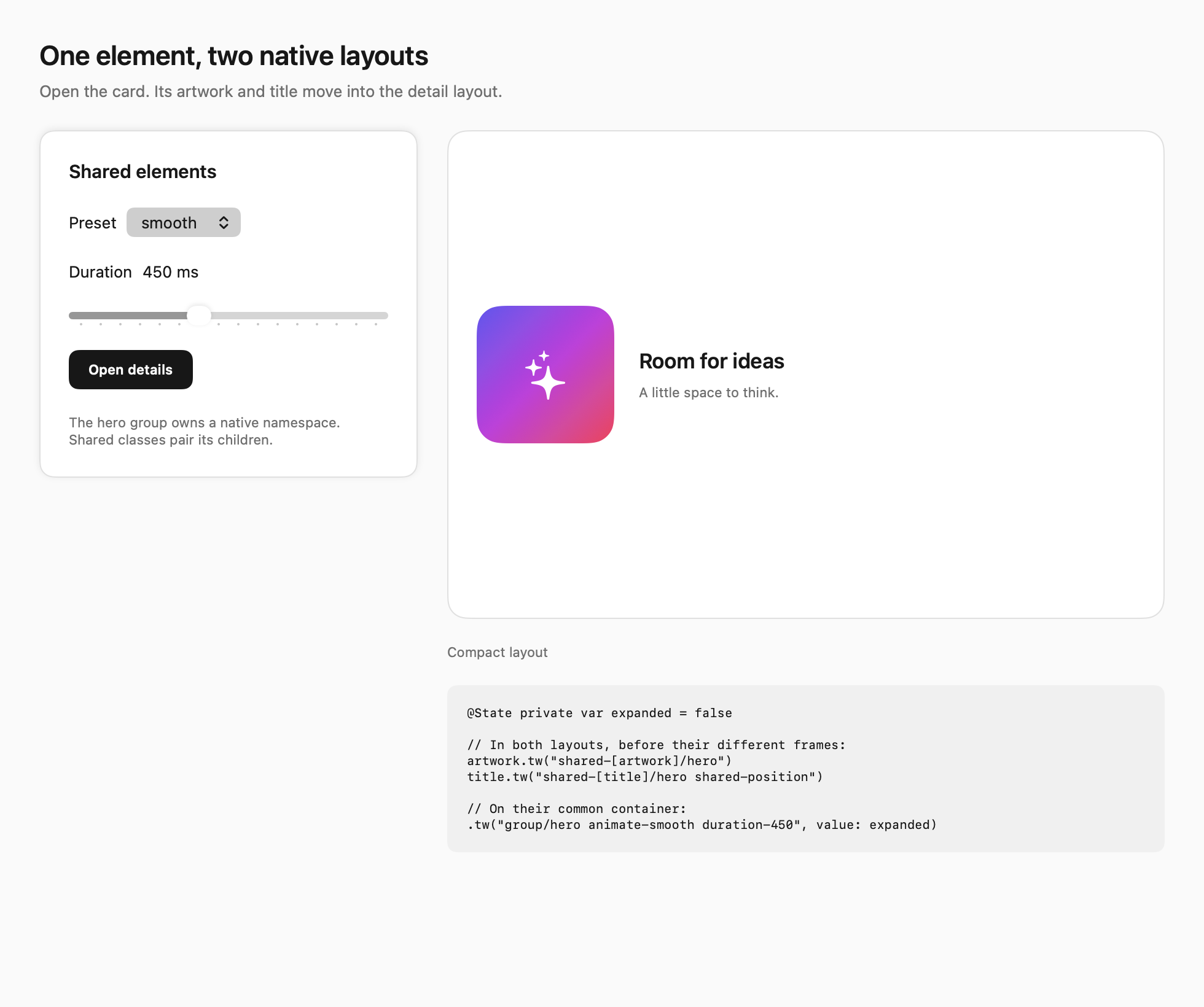
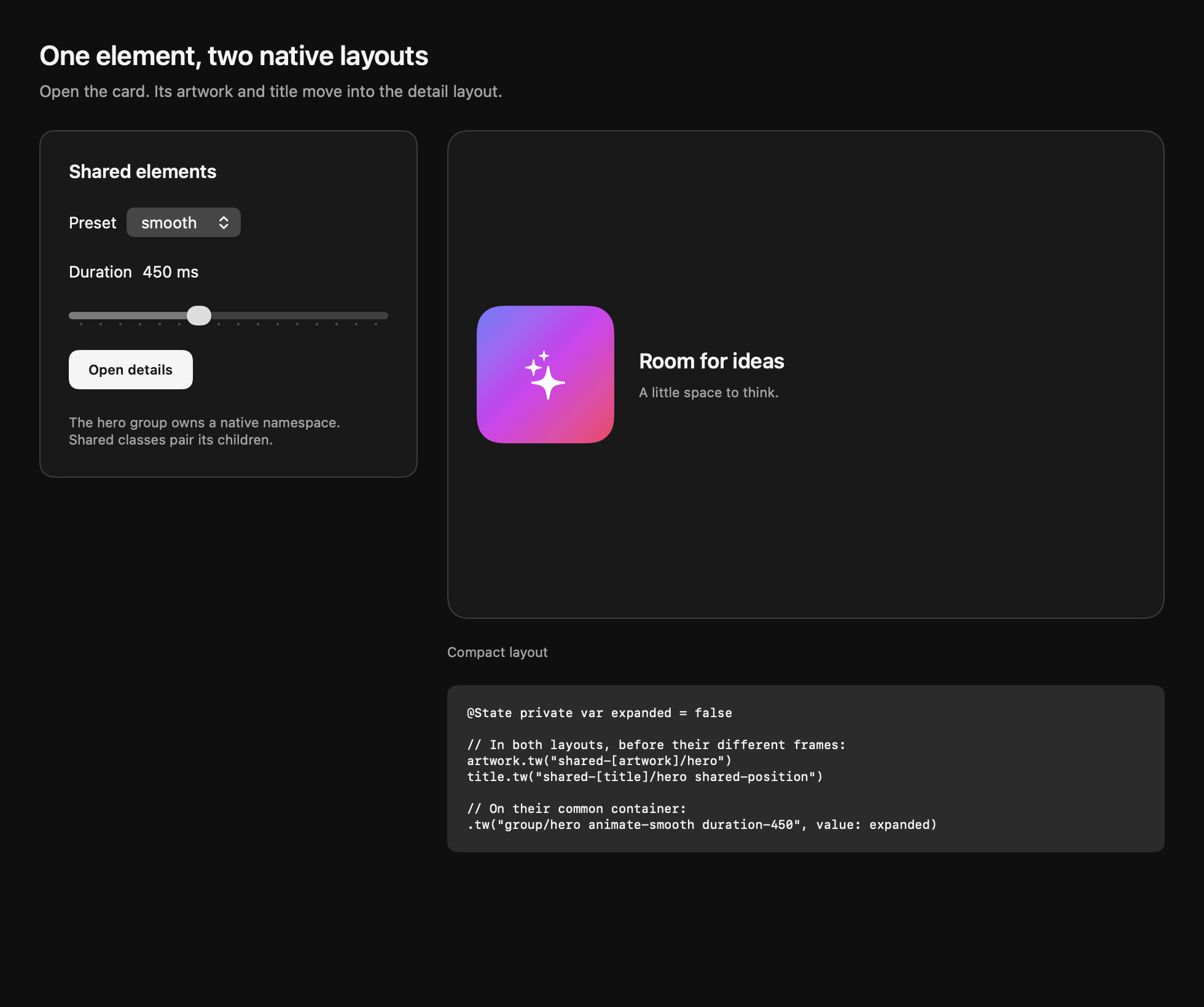
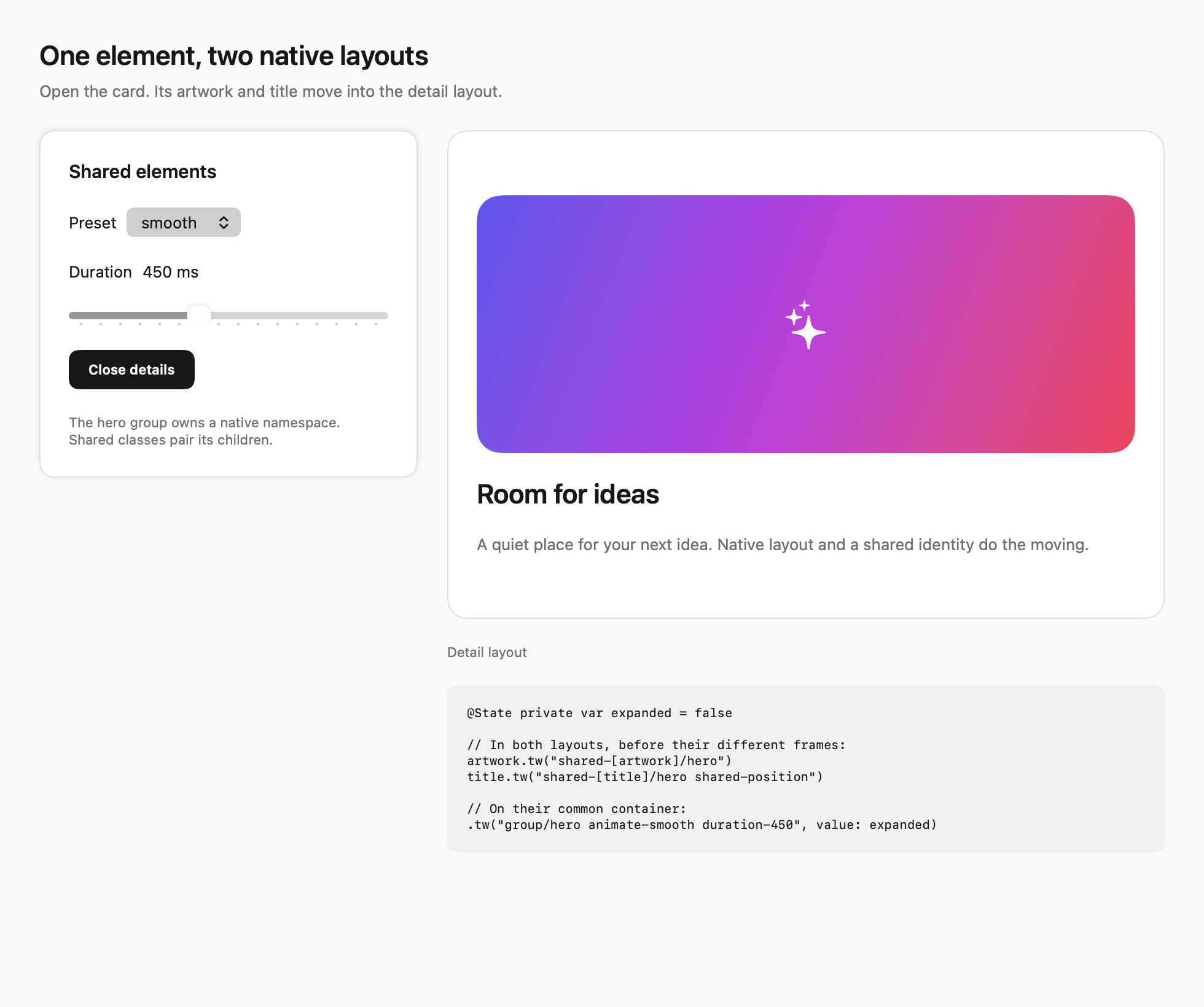
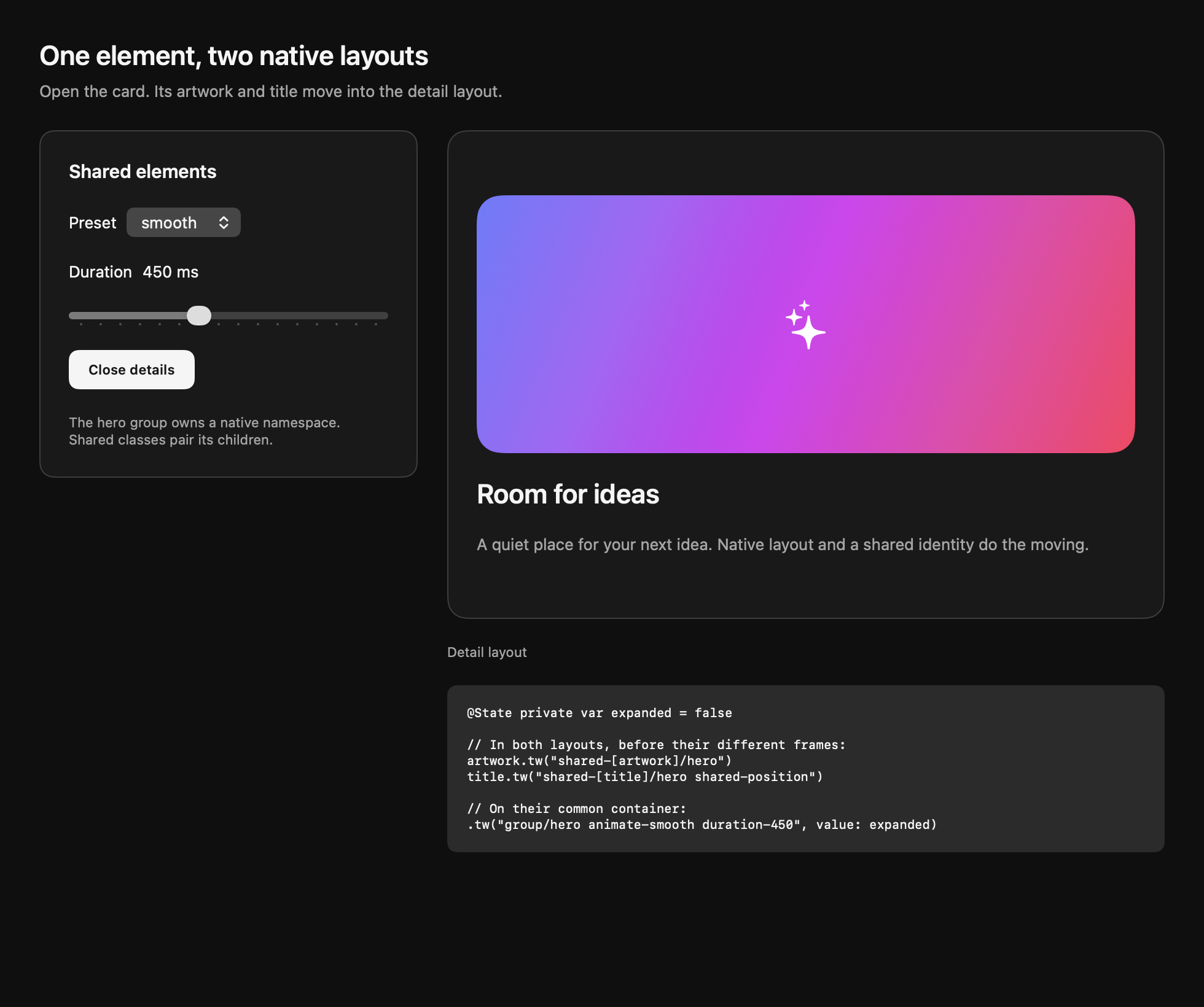
These images show the two native endpoints. Run the Shared elements tab in the demo to see the transition.