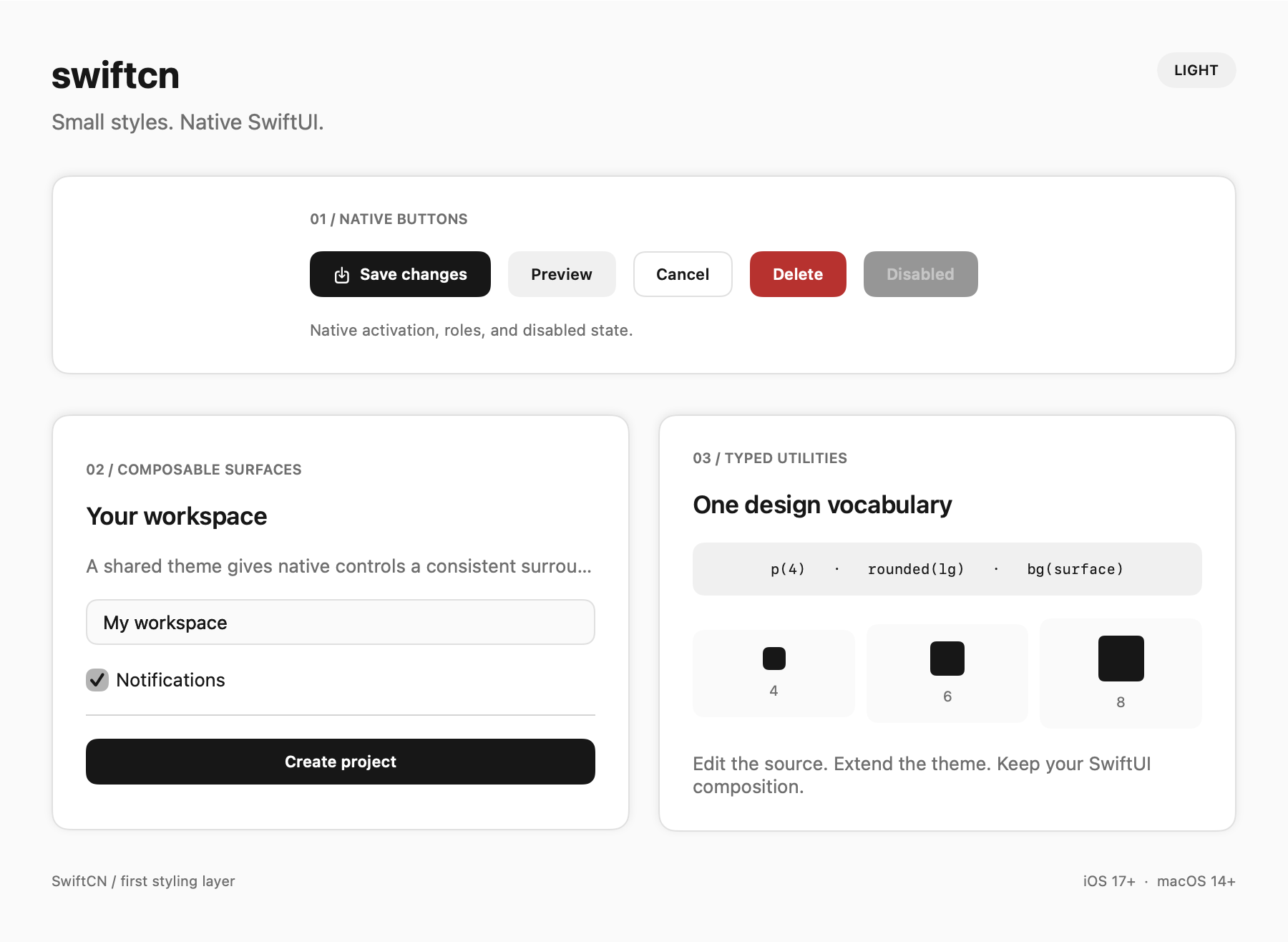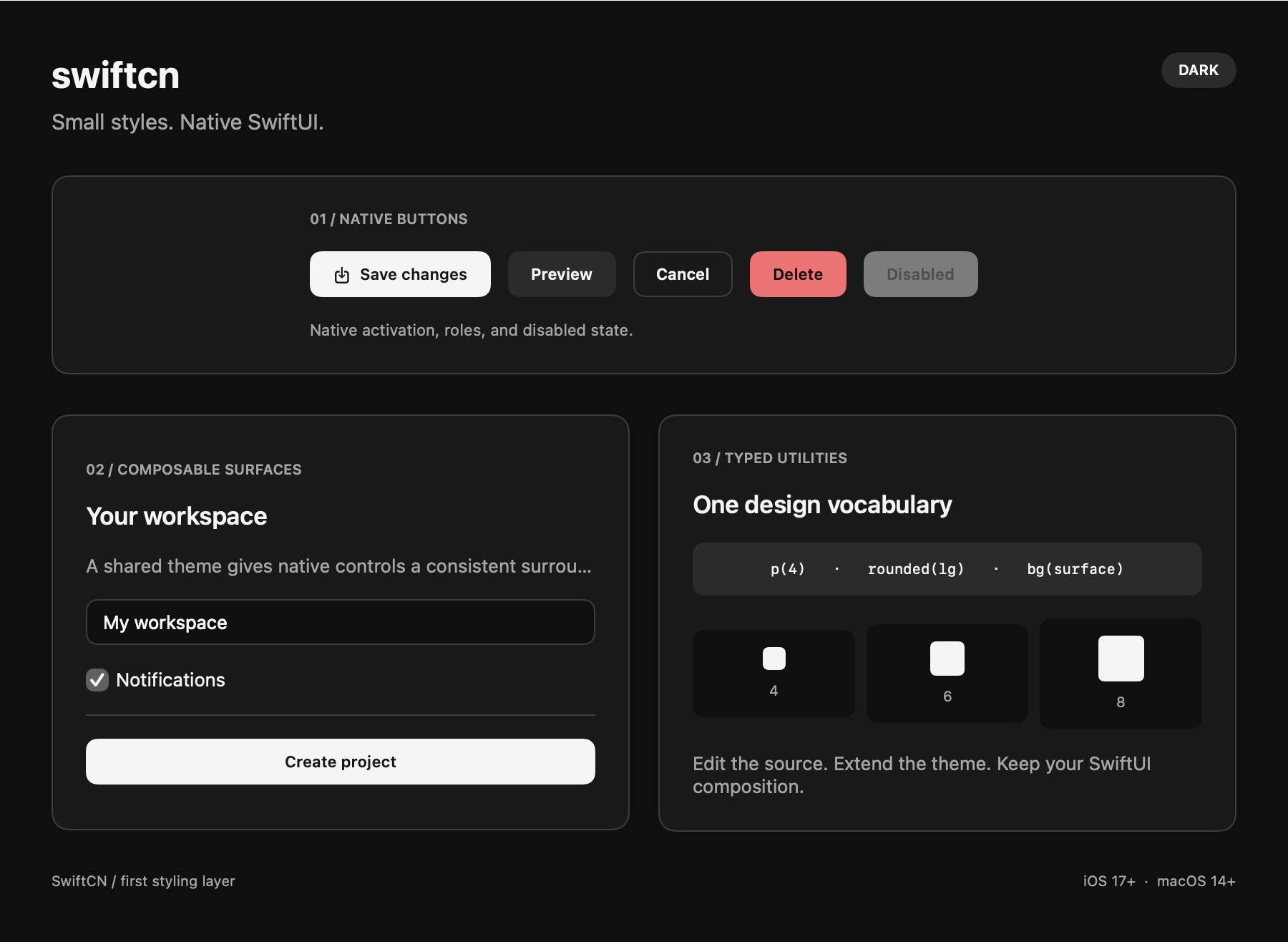
Native controls & state
Keep SwiftUI actions, roles, focus, and gestures.
Button("Save", action: save)
    .buttonStyle(.tw(.primaryButton))
    .disabled(isSaving)

Button("Delete", role: .destructive, action: delete)
    .buttonStyle(.tw(.destructiveButton))
Built-in recipes include card, primaryButton, secondaryButton, outlineButton, and destructiveButton.
Apple draws every button whose classes choose a native style: button-primary, button-secondary, and button-destructive select .borderedProminent, button-outline selects .bordered, button-ghost selects .borderless, and button-link selects .link on macOS. glass and glass-prominent select the Liquid Glass styles where available.
tint-*, control-*, and rounded-* set .tint, .controlSize, and .buttonBorderShape. Other classes shape the label, and background, border, and shadow classes never paint over the native control.
Apple owns the press, hover, focus, and disabled appearance. Hover and focus variants change only the label and never change the native style; pressed: and active: apply only to plain buttons.
Button recipes describe native buttons. On other views they set no background, so use bg-*, text-*, or a surface class there.
SwiftUI retains the button's action, semantic role, and activation behavior.
Appearance variants do not set semantic roles.
Ghost and link labels keep a minimum height of 44 points on iOS and 32 points on macOS.
Classes without a native style keep a plain button whose label uses ButtonStyle.Configuration.isPressed:
TWStyle(
    .opacity(1),
    .hover(.bg(.accent)),
    .pressed(.opacity(0.8)),
    .disabled(.opacity(0.45))
)
Active patches apply after base utilities.
State precedence is hover, focus, pressed, then disabled.
For equal precedence, more specific nested conditions win before declaration order.
Conditions affect appearance only.
Use native .disabled(...) to disable a control.
Hover follows native pointer events. General view styling does not recognize presses or assign focus.
Focus
Supply explicit focus state when a control owns it. This complete view keeps focus and text editing native:
import SwiftUI
import SwiftCN

struct FocusExample: View {
    @State private var email = ""
    @FocusState private var emailFocused: Bool

    var body: some View {
        TextField("Email", text: $email)
            .textFieldStyle(.plain)
            .focused($emailFocused)
            .tw(.p(3), .border(.border), .rounded(.md),
                .focus(.border(.primary, width: 2)),
                state: TWState(isFocused: emailFocused))
    }
}
Other native controls
Use native style adapters when you want shared control defaults:
TextField("Email", text: $email).textFieldStyle(.tw())
SecureField("Password", text: $password).textFieldStyle(.tw())
Toggle("Notifications", isOn: $notifications).toggleStyle(.tw(base: .switch))
Label("Workspace", systemImage: "folder").labelStyle(.tw())
Start with native controls when you need formatted values, enum-based focus, semantic roles, or native switch behavior. The adapters and convenience components use the same recipes and styling engine. Keep bindings, callbacks, and container configuration in typed SwiftUI APIs.
See complete native composition examples for a formatted field, native controls, and a shared recipe override. The same page covers caller-owned sheets, native navigation, and desktop split views. Each example runs in the component gallery and includes downloadable Swift source.
See composable components for card parts, field validation, custom control content, and editable rules.
General .tw decoration remains available alongside these adapters:
TextField("Email", text: $email)
    .textFieldStyle(.plain)
    .tw("p-3 rounded-md border bg-surface")

Toggle("Notifications", isOn: $notifications)
    .tw("p-3 rounded-lg bg-surface")

Slider(value: $volume)
    .tw("p-4")
Use .buttonStyle(.tw(...)) for a button's pressed appearance. A general .tw(...) surface does not invent press gestures.
Use native gesture modifiers, accessibility labels, bindings, and presentation APIs alongside your styles.