
Introduction
Familiar utility classes. Real SwiftUI views. Styles you can own.
swiftcn brings utility strings and editable recipes to native SwiftUI. Compose a style with .tw(...), then keep using native views, state, and gestures.
import SwiftUI
import SwiftCN

Text("A little more native.")
    .tw("text-lg font-semibold p-6 bg-surface rounded-xl")

Button("Continue", action: next)
    .buttonStyle(.tw("button-primary animate-spring duration-150"))
Start building
Install the package, build your first screen, or explore the utility reference.
A familiar vocabulary, a native foundation
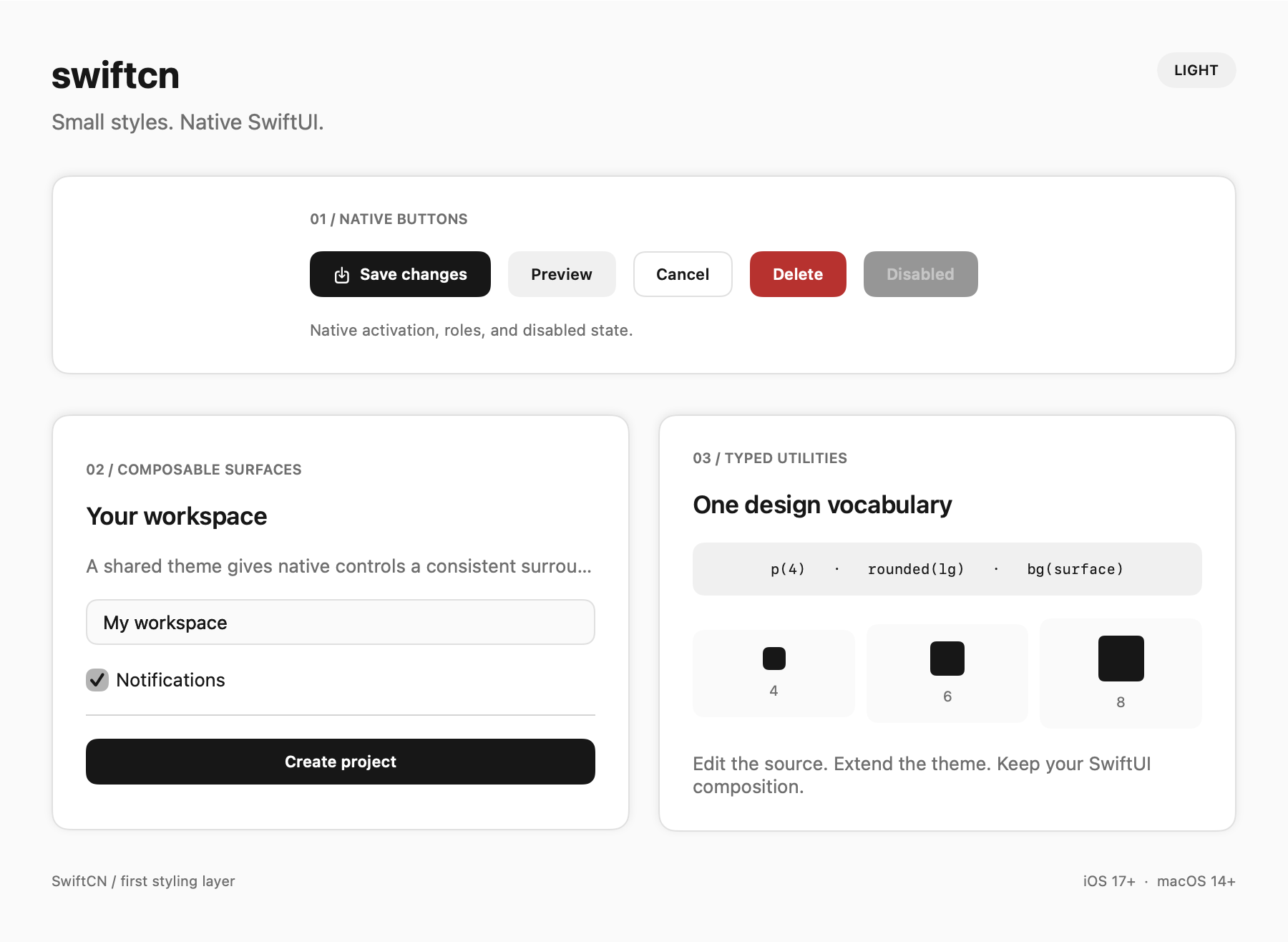
- SwiftUI owns behavior. Native controls keep their actions, roles, keyboard activation, and platform gestures.
- Styles stay editable. Use a package or copy the Swift source into your app. Keep your recipes in your project.
- State stays in SwiftUI. Classes configure appearance and native animations. Your
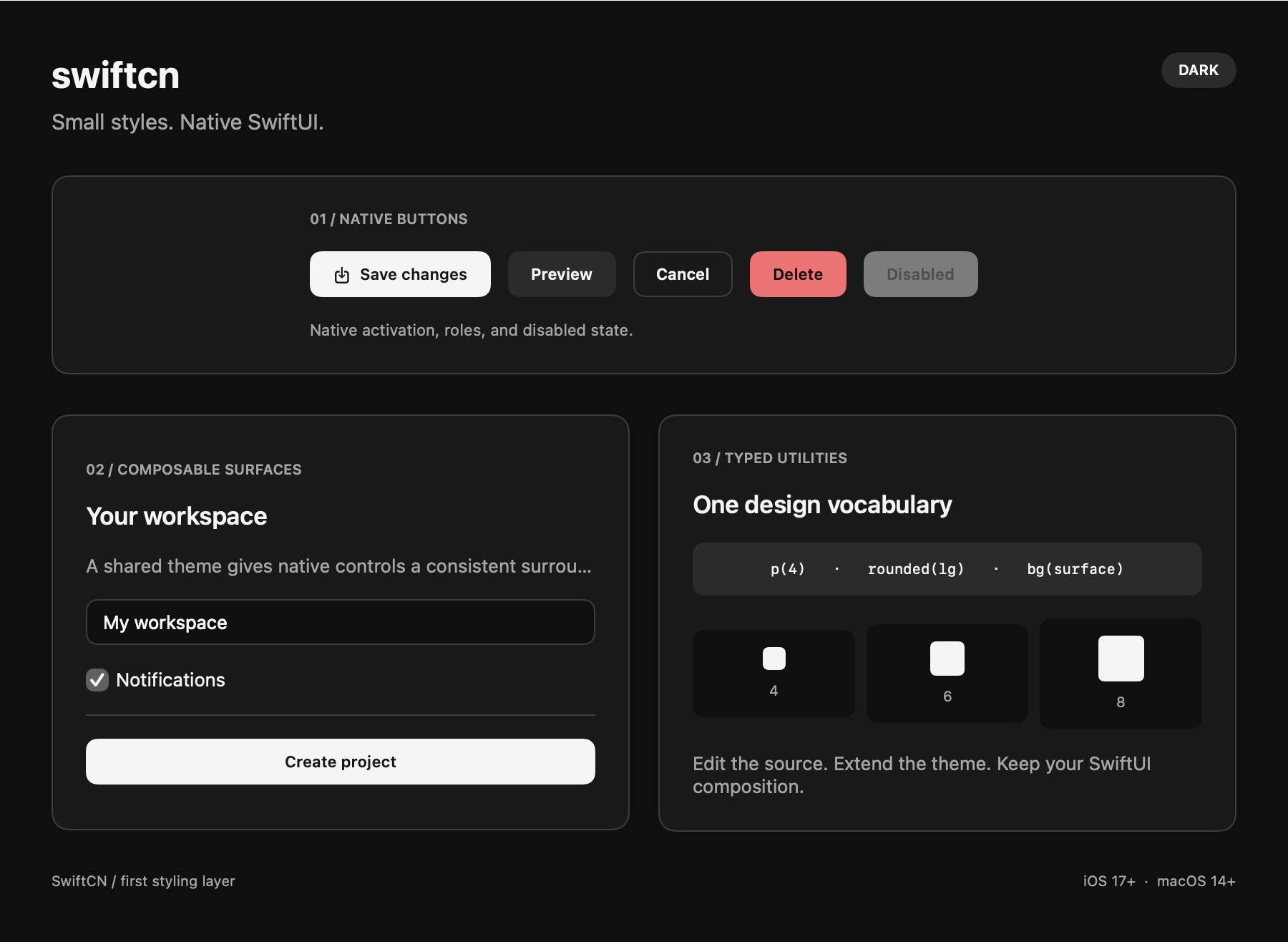
@State, bindings, and focus remain yours. - Themes inherit. Set adaptive colors and global rules at the app root. Override them for one subtree.
The library has no runtime dependencies. The current API requires Swift 6, iOS 17, or macOS 14.
Current scope
This is an early implementation. The API can change before a stable release.
The parser accepts the utilities documented here. It does not accept all Tailwind CSS classes. SwiftUI owns layout, presentation, and interaction. Use native modifiers beside .tw when you need additional behavior.
Try the native demo
Clone the repository, then run this command on macOS:
git clone https://github.com/cbethin/swiftcn.git
cd swiftcn
bash Scripts/run-demo.sh
Explore Components, Motion, Shared elements, Arguments, and Global rules. The Arguments tab includes a live class editor.